MissionView 2.0.0
January 2026
Features
MissionView 2.0.0 provides many usability enhancements as well as tight integration for our upcoming Red Hat Enterprise Linux (RHEL) offering.
Tabbed Views
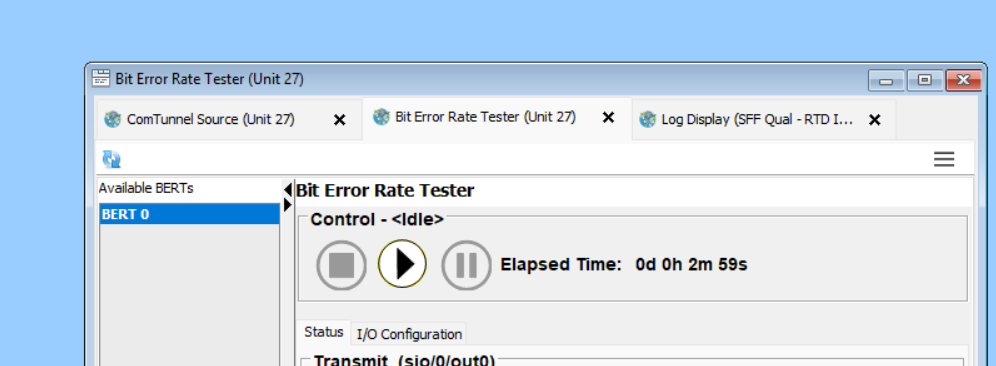
MissionView has added support for tabbed views. Use MissionView tabs like you would any browser, with improved usability and organization.
- Reorder tabs
- Drag and drop between views to create collections
- Create a favorite of a tabbed collection
Multiple Windows
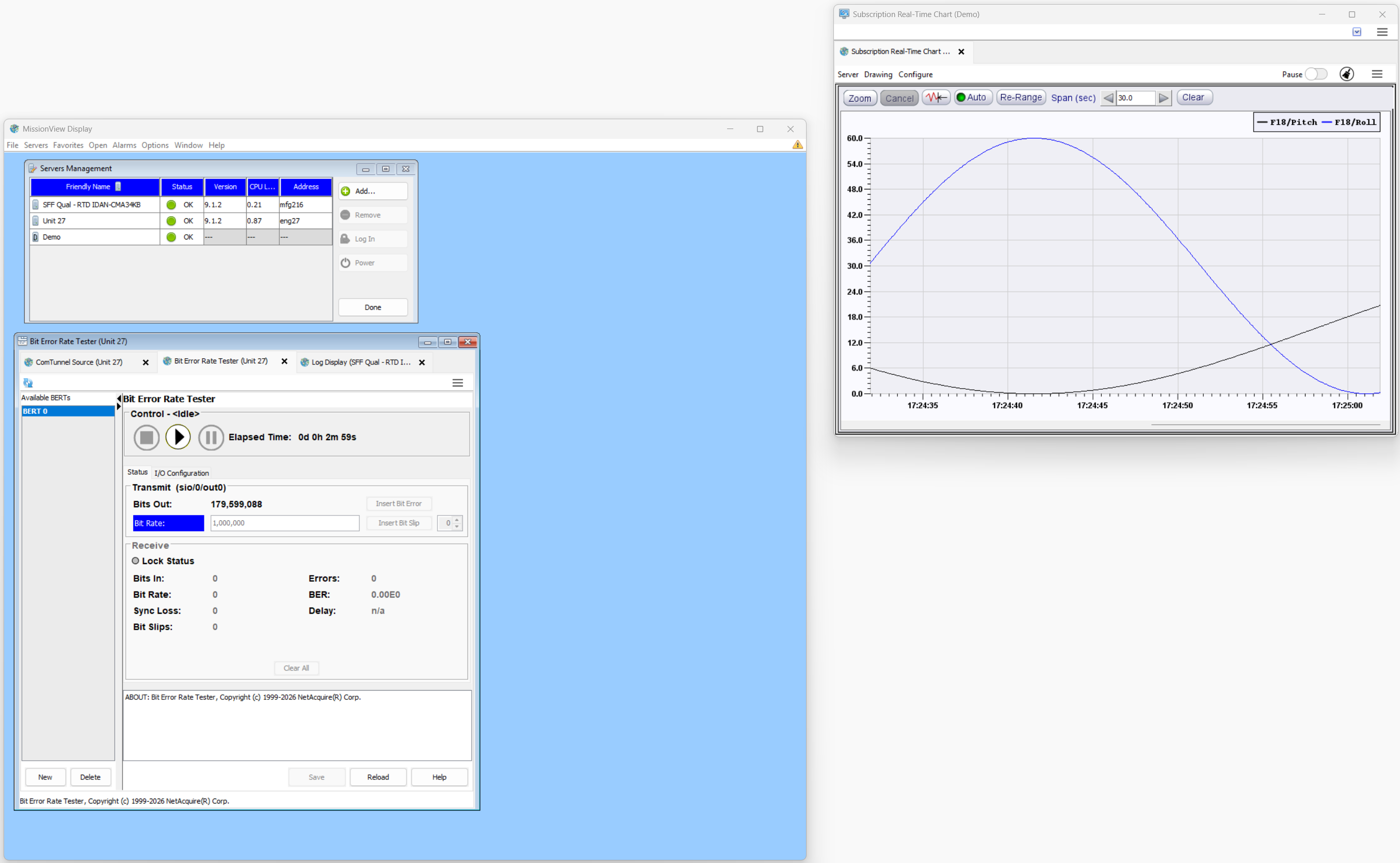
Supports opening separate windows for content. Set your desired elements into separate windows that you can send to other monitors. Use menus or drag and drop to extract views into separate windows.
Security
- Update to Chromium 141.0.7390.55
- Update to Corretto 8.472.08.1
- Updates third party libraries
Issues
- Resolves holding subscription log file open
- Support ability to unsubscribe to missing parameters
- Resolve issues with shutting down legacy server configuration pages
- Provides better discovery of pages on legacy systems
Compatibility Notes
- Drawings saved in MissionView
1.9.0(or later) cannot be used in MissionView versions prior to1.9.0 - Layouts saved in
1.10.0(or later) cannot be used in MissionView versions prior to1.10.0 - Layouts saved in
2.0.0(or later) cannot be used in MissionView versions prior to2.0.0
Known Limitations
- During installation, macOS 10 (Catalina) and 11 (Big Sur) may display false failure messages when installing the browser; these can be safely ignored.
System Requirements
Windows
- Windows 10, 11
- Windows Server 2016, 2019, 2022
Linux (64-bit)
- RHEL 8.9 or later
- Debian 10 or later
- Ubuntu 18.04 or later
- Fedora 38 or later
- openSUSE 15.5 or later
macOS
- Sonoma 14
- Ventura 13
- Monterey 12
- Big Sur 11
- Catalina 10.15